A Christian screen time app: pray before you scroll
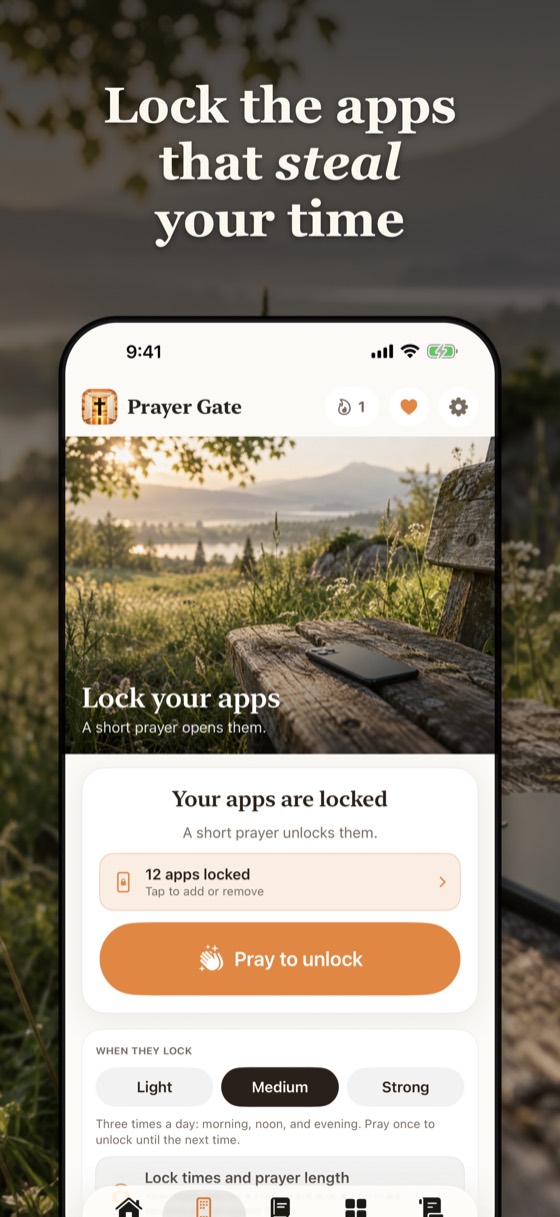
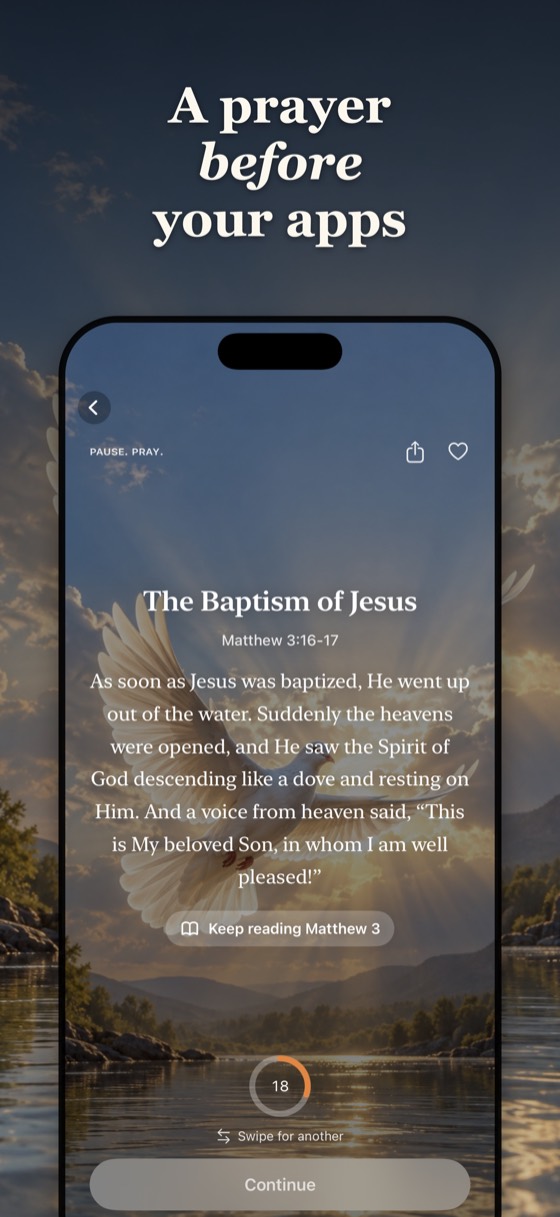
Narrow Gate puts a short prayer between you and the apps that take your time. Pick them once. When you open one, you read a short passage of Scripture or a prayer, and then your apps open.
How it works
- Choose the apps to lock, such as social media or games, with Apple's Screen Time.
- Open one and you will see a gentle block screen. Tap Pray.
- Read a short Scripture passage or prayer, from 25 seconds to 5 minutes.
- Your apps open until the next lock time.
Choose how often your apps lock
- Light: once a day, in the morning.
- Medium: morning, noon and evening.
- Strong: every hour.
Private by design
Apple's Screen Time keeps your chosen apps private, even from us. Narrow Gate never sees or sends which apps you lock. Prayers and Scripture are inside the app and work offline.
Questions
Is there an app that locks your apps until you pray?
Yes. Narrow Gate lets you choose apps on your iPhone, and opening one asks for a short prayer or Scripture passage before the app opens.
How does a prayer app blocker work on iPhone?
It uses Apple's Screen Time. You pick the apps once, and Narrow Gate shows a block screen with a Pray button when you open them.
Can I choose how long the prayer is?
Yes. 25 seconds, 1, 2 or 5 minutes.
Does it help with doomscrolling?
It adds a pause with God before social media, which many people use to scroll less and pray more.