Bible verse widget for your iPhone Lock Screen
See Scripture every time you pick up your phone. Narrow Gate adds Bible verse widgets to your Lock Screen and Home Screen, in small and wide sizes.
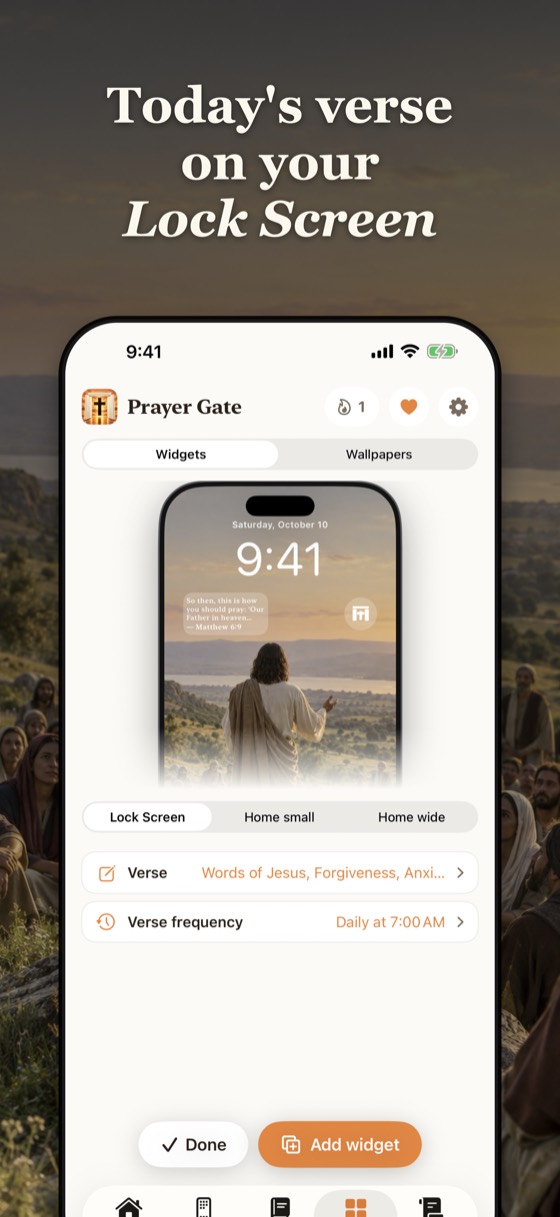
Choose how your verse changes
- Changing verses: a new verse every hour, a few times a day, or once a day, like a verse of the day widget.
- One verse: pin a verse you are holding onto, like Psalm 23:1 or Philippians 4:13, and it stays.
- Themes: lean the verses toward hope, peace, anxiety, gratitude, forgiveness or the words of Jesus.
How to add a Bible widget to your Lock Screen
- Install Narrow Gate and choose your verse in the Widgets tab.
- Touch and hold your Lock Screen, then tap Customize and Lock Screen.
- Tap the row under the clock and choose Narrow Gate.
- Tap Done. Your verse is now on your Lock Screen.
For the Home Screen: touch and hold an empty spot, tap Edit, then Add Widget, search "Narrow Gate" and pick a size.
Step by step, with pictures and two other ways: How to put a Bible verse on your iPhone Lock Screen.
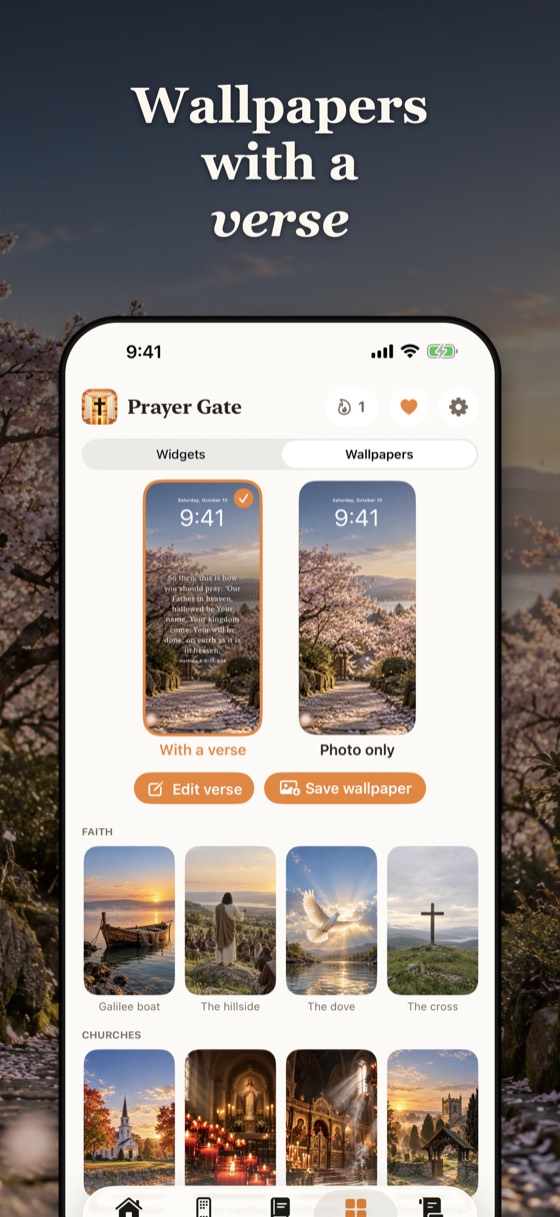
Bible verse wallpapers too
Prefer a picture? Narrow Gate makes verse wallpapers on calm photos that you save to Photos and set as your Lock Screen.
Questions
Is there a Bible verse widget for iPhone?
Yes. Narrow Gate adds Bible verse widgets to the iPhone Lock Screen and Home Screen, in small and wide sizes.
Can the widget show a new verse every day or every hour?
Yes. Choose a new verse every hour, a few times a day, or once a day, or pin one verse that stays.
Which Bible translations does the widget use?
King James Version (KJV), World English Bible (WEB), Berean Standard Bible (BSB) and American Standard Version (ASV).
Does it work on the Lock Screen?
Yes. Lock Screen widgets on iPhone are shown in a soft frosted style that sits over your wallpaper.